News & Events


BC Virtual Visit is a secure video solution that allows Island Health programs and clinics to connect with patients from the comfort of their own home. Patients can use their personal smartphone, tablet, or computer for these visits.
This virtual care service is available to all Island Health health care providers and clinics, and complements face-to-face and Telehealth visits.
Patient visits must be coordinated through Island Health programs and clinics using BC Virtual Visit. The Virtual Care team is unable to receive direct visit requests from patients.
If your program is already using BC Virtual Visit and you wish to request an account, please have a manager or designate complete the Island Health BC Virtual Visit Access and Updates form.
You can begin your request to adopt BC Virtual Visit for your program by completing our intake form.
BC Virtual Visit technical support is available 24/7 for health care providers through the BC Service Desk: ext.18777, or 250-370-8777 (Local Victoria), or 877-563-3152 (Toll Free). If you are a patient requiring technical support, please call the Virtual Care Patient Support Desk at 250-519-1944.
For information and tips on how to best use BC Virtual Visit, see our BC Virtual Visit Newsletters at the bottom of this page.
Depending on the device you plan to use for your BC Virtual Visit appointment, you may be required to download an application. Please refer to the documents in the section below specific to your device. Please note that there is not an app available to Android device users at this time.
If you are a health care provider, please contact the BC Service Desk ext. 18777, or 250-370-8777 (Local Victoria), or 877-563-3152 (Toll Free) if you have questions or need assistance. Click on your device type below to learn how to gain access to and use the app.
Accessing BC Virtual Visit in Citrix - Do's and dont's
If you are working remotely from a personal device and use a remote Citrix connection to access PowerChart or other Citrix applications, please do not use Chrome within Citrix to launch BC Virtual Visit. It is recommended to download the BC Virtual Visit Desktop application, or use a supported browser outside the Citrix connection to ensure optimum performance.
Launch BC Virtual Visit through your desktop application or Chrome (outside of Citrix).
Launch Gateway if required to access other resources such as email, PowerChart etc.
The BC Virtual Visit app will be automatically installed on your Island Health device.
Start using the app:
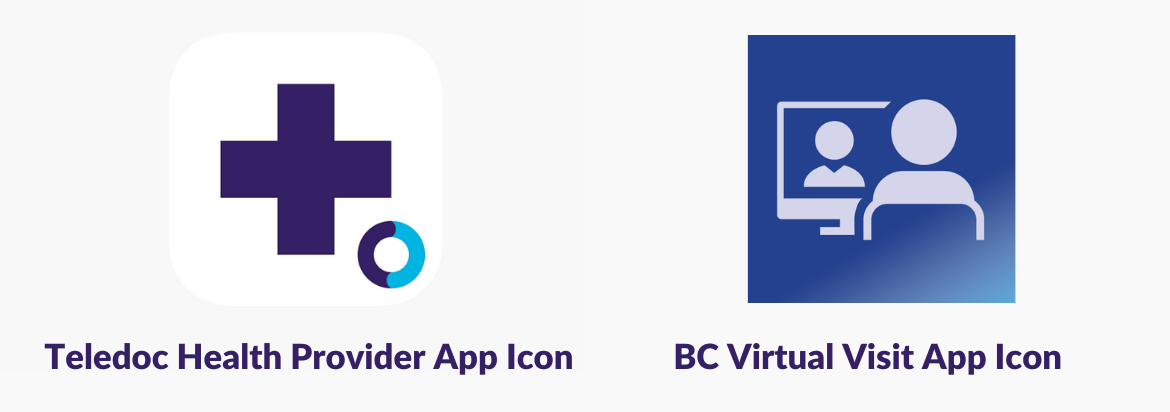
Click the BC Virtual Visit app icon on your desktop.
Visit the BC Virtual Visit log in page to download the Windows PC desktop application.
Help installing the Teladoc Health Provider application
Start using the app:
Launch the Teladoc Health Provider app. Enter your practice URL: myvirtualvisit.ca.visitnow.org.
You may also continue to access BC Virtual Visit through Chrome, Firefox or Edge browsers; however, the desktop app provides the best experience. Internet Explorer is not supported and will not work.
Visit the BC Virtual Visit log in page to download the Mac desktop application.
Help installing the Teladoc Health Provider application
Start using the app:
Launch the Teladoc Health Provider app. Enter your practice URL: myvirtualvisit.ca.visitnow.org.
You may also continue to access BC Virtual Visit through Chrome, Firefox or Safari browsers; however, the desktop app provides the best experience.
Download both the BC Virtual Visit Provider and BC Virtual Visit Patient applications from the App Store using your Apple ID.
Help installing the BC Virtual Visit provider and patient iPhone apps Help installing the BC Virtual Visit provider and Patient iPad apps
Start using the app:
There is no need to download the application; Island Health IMIT will install it for you.
Help using the BC Virtual Visit Provider app
Start using the app:
There is no change for Android device users at this time. Continue to access BC Virtual Visit through your Chrome browser.
To help you prepare for an upcoming BC Virtual Visit appointment, please review the following materials:
Information about virtual care fee for service codes and guidance for billing is available on the Doctors of BC Fee Guide webpage and the MSC Payment Schedule.
1. Register on Learning Hub for the BC Virtual Visit User Training course. This course is intended for new or existing BC Virtual Visit health care providers and schedulers as a refresher, or to orient you to new or unfamiliar system features.
2. The Virtual Care team hosts live, online education sessions to provide ongoing support and training for BC Virtual Visit users. See below for upcoming dates and times. Email virtualcare@islandhealth.ca to request an invitation to join:
3. A BC Virtual Visit training video series is available as a companion to our training courses. View the entire series on Vimeo.
In this issue:
In this issue:
In this issue:
In this issue:
In this issue:
In this issue:
In this issue:
In this issue:
In this issue:
In this issue:
In this issue:
In this issue:
In this issue:
In this issue:
In this issue:
In this issue:
In this issue:
In this issue:
In this issue:
In this issue:
In this issue:
In this issue:
In this issue:
In this issue:
In this issue:
In this issue:
In this issue:
In this issue:
In this issue:
In this issue:
In this issue:
In this issue:
In this issue:
In this issue:
In this issue:
In this issue:
In this issue:
In this issue:
In this issue:
In this issue:
In this issue:
In this issue:
In this issue:
In this issue:
In this issue:
In this issue: